
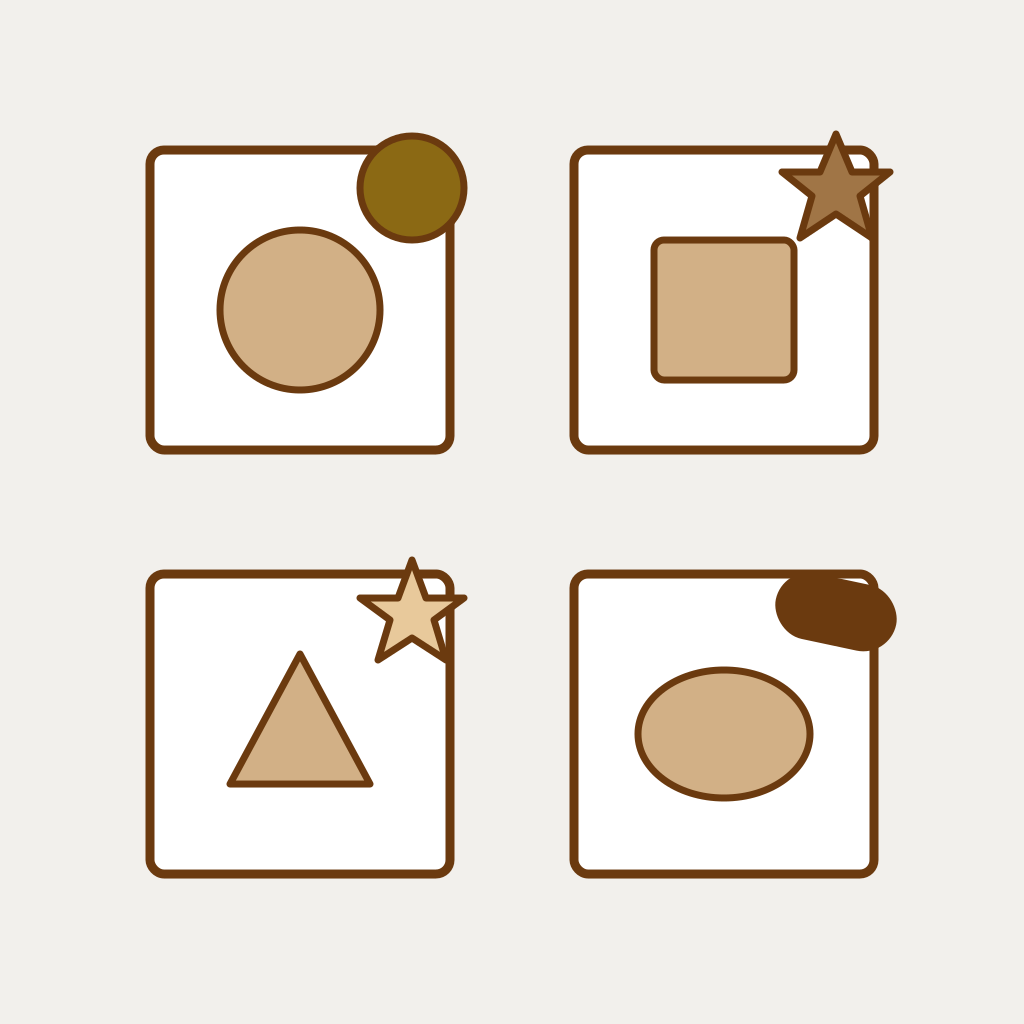
Product badges are one of those Shopify features that look obviously valuable until you actually measure them. Add a "Sale" badge to a product, conversion goes up. Add a "Sale" badge to twelve products in the same collection, conversion goes down. The badge that earns its corner is rare. Most badges are visual noise the merchant added because the app made it easy. This guide separates the three that genuinely move the needle from the three that quietly hurt the store, and covers the one badge nobody is talking about yet that you may actually be legally required to display.
The honest version up front. There is no universal "best badge". The right answer depends on your catalog density, your product photography quality, and your audience. But the failure modes are universal. Avoid those and you are mostly there.
What product badges actually do
A product badge is a small visual overlay on the product card (and sometimes the product page hero image) that signals a single piece of information at a glance. "Sale", "New", "Bestseller", "Low stock". The badge is supposed to do one job: pull the eye to that specific product among many. When that job is done right, conversion lifts. When the same badge is on every product, the visual signal disappears entirely and conversion drops.
Badges affect three things at once: scanability (does the eye stop), trust (does the badge feel earned or manufactured), and decision speed (does the shopper need less time to choose). A good badge improves all three. A bad badge improves none and adds visual clutter.
Three badges that move the needle
Three categories of badge have measurable conversion impact in catalogs we have tested across.
- 01Sale or discount badge. Works when applied to a minority of products in the collection (under 30 percent). Stops working entirely when more than half the collection has one. The percentage threshold matters; "$10 off" reads weaker than "20% off" for products under $100.
- 02Low stock badge. Works when the number is real and visible ("only 3 left"). Stops working the moment it feels fabricated. If your shopper can refresh the page and the number stays the same, the badge is a lie and trust drops.
- 03New arrival badge. Works for the first 14 days a product is live, especially for fashion and seasonal categories. After 14 days the badge becomes noise. Auto-expiration is the only way to use this badge correctly.
The test for whether a badge is helping: turn it off across a tagged test collection for two weeks. If conversion stays the same or goes up, the badge was costing you sales. If conversion drops, it was working.
Three badges that hurt conversion
The badges that look helpful in app marketing but actually drag your store down.
The "Bestseller" badge on more than three products. Most stores tag too many products as bestsellers because they want the social proof effect. The math reverses: when seven out of twelve products on a collection page have "Bestseller", none of them stand out, and the shopper concludes the merchant is lying about something. Limit to top one or two products per collection, max.
The "Hot Deal" or "Trending" badge with no underlying truth. These badges feel like they should help (urgency, social proof). In practice they feel manufactured because they almost always are. Shoppers have learned to ignore them. A real urgency signal needs a real timer or real stock count behind it.
The "Free Shipping" badge per product when shipping is free site-wide. If shipping is free for everyone on every order, putting a badge on every product is visual noise. Put it in the site header instead. One badge in the header beats 100 badges on product cards.
The AI disclosure badge (required in some cases)
Here is the one badge category nobody is talking about that you may actually be required to display. As of 2026, two jurisdictions have introduced explicit AI disclosure rules that can reach product imagery: New York State (for ads shown to NY audiences that feature AI-generated people) and the EU AI Act (for AI-generated or AI-edited images marketed in the EU that could pass as real). The principle is straightforward: if your product image was generated or substantially modified by AI in a way that could pass as a real photo, the listing may need to disclose that fact.
A small "AI Generated" badge on the affected product cards is the simplest way to meet the requirement. Apps in the badge category, including ours, ship with this badge built in (look for "AI Generated" or "AI-assisted image" in the badge library). It does not affect conversion much (we have not seen significant lift or drop in tests), but skipping it where required exposes you to regulatory risk.
The honest framing: do not assume your jurisdiction is in scope. Check current regulations for the markets you ship to. The AI disclosure landscape is evolving faster than any blog post can keep up with. We track this on the studio side at Aegis Tech Lab and the Viking Watermark product side adds AI disclosure badges to the library as new jurisdictions clarify.
Implementing badges without spam
Three rules that make the difference between a badge that helps and a badge that hurts. Rule one: never apply the same badge to more than 30 percent of a collection. The signal disappears past that threshold. Rule two: badges should auto-expire. Manual badge management always falls behind. If your "New" badge stays on after 30 days, it stopped being a "new" signal six weeks ago. Rule three: only one badge per product card. Two badges fight for attention and the shopper sees neither.
Apps make all three rules easy. Viking Watermark's badge library includes auto-expiration, collection-percentage caps, and per-card single-badge logic out of the box. Free apps without these constraints lead to merchants adding badges by hand until every card is cluttered. The constraint is the feature.
If you want the badge stack with auto-expiration, AI disclosure, and 100+ ready-made designs in one app, install Viking Watermark. The free tier covers 100 badge applications per month, which is enough for a small store to run the full badge stack indefinitely.
Frequently asked questions
Do product badges actually improve Shopify conversion rates?
Selectively, yes. Sale, low stock (when real), and new arrival (with auto-expiration) badges typically lift conversion 5 to 15 percent when applied to under 30 percent of a collection. Overused or fabricated badges drop conversion by similar amounts.
How many badges should I use per product?
One. Two badges compete for attention and dilute both signals. If you genuinely need to convey two messages, combine them in one badge (e.g., "20% off, only 3 left") or pick the more important one.
Do I need an app for product badges, or can my Shopify theme do it?
Most themes ship with a basic sale badge that reads from compare-at-price. That covers 80 percent of merchants. You need an app for: auto-expiration, badge libraries beyond "Sale", AI disclosure badges, collection-percentage caps, and per-shopper conditional badges (geo, tag, etc.).
Should I use AI-generated badge designs?
Skip them. AI-generated badges tend to look generic and untrustworthy. A clean, brand-consistent badge in your store's colors with a single short word ("Sale", "New") almost always outperforms a complex AI-generated design.
What is the AI disclosure badge for?
Potentially required in some jurisdictions (New York for ads featuring AI-generated people, the EU AI Act for AI images that could pass as real) when product images were generated or substantially modified by AI. The badge signals that the visual is AI-assisted. Check your shipping markets to see if you are in scope.
Will badges slow my Shopify storefront?
A badge that is baked into the product card render: no slowdown. A badge added via runtime JavaScript overlay: minor slowdown (10 to 50 ms per page). Apps that bake badges in at the theme template level are faster than apps that inject at runtime.
How many badges per product is too many?
More than one. One badge focuses attention. Two badges fight for attention. Three badges turn the card into noise. The cleanest catalogs use exactly one badge per product, and most products have no badge at all.